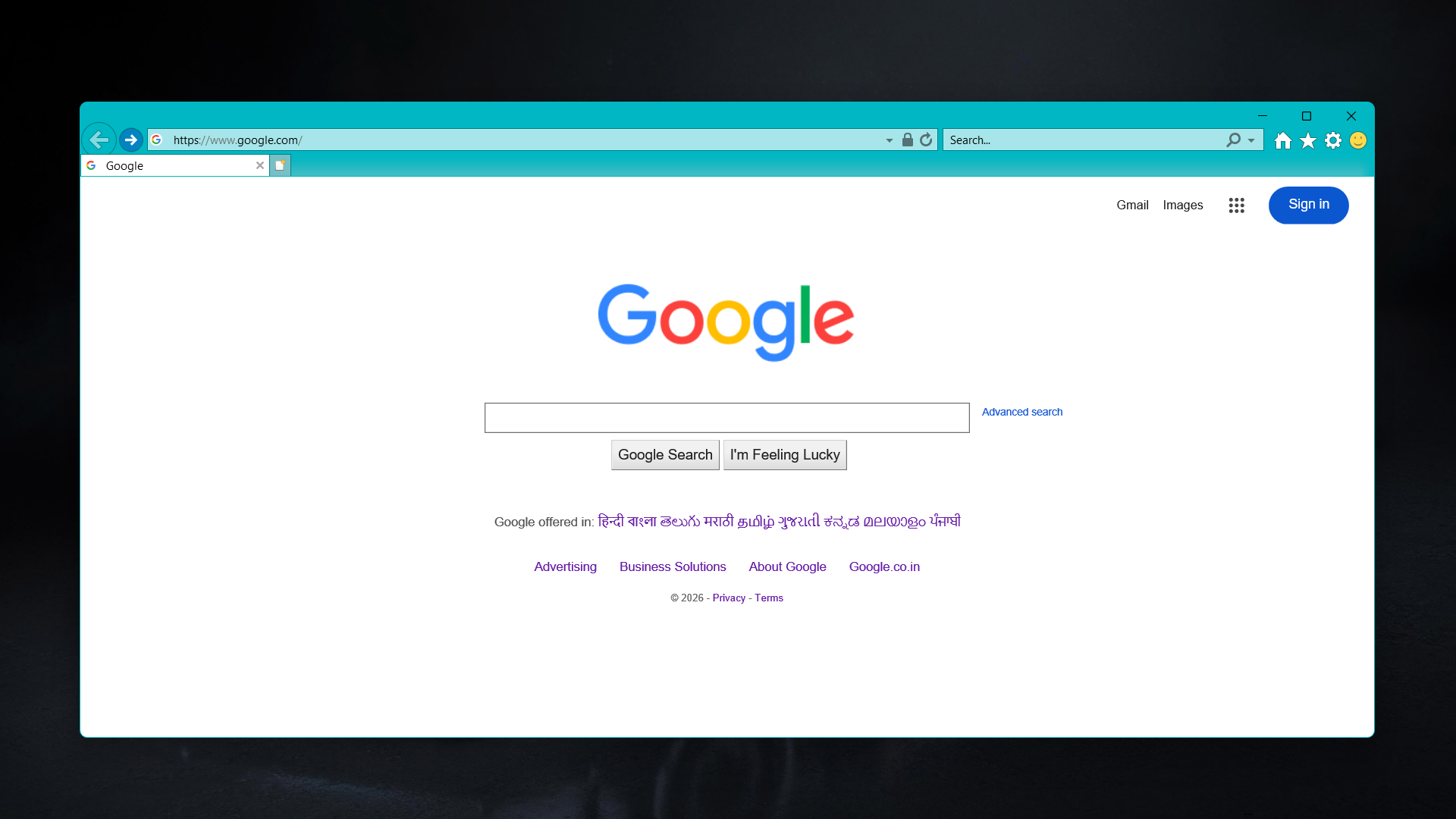
Internet Explorer 11 reached end of support on June 15, 2022. Microsoft discontinued it, retired it from Windows Update, and pointed everyone toward Edge. But the binary is still sitting on most Windows installs, and there is one narrow class of problem where it is the only practical answer: old IP camera hardware that serves its web interface over ActiveX.
ActiveX was a way of embedding arbitrary COM objects inside a browser page, which sounds like a security nightmare because it was. Cameras from the mid-2000s through roughly 2015 used it for live video and PTZ control, because it was the only plugin mechanism that could do what they needed. When modern browsers dropped plugin support entirely and Microsoft ended IE, those cameras lost their web interface.
If you still have one of those cameras and you want to bring the interface back, there are three real options.
The first is IE Mode inside Edge. Open Edge settings, find “Default browser,” enable “Allow sites to be reloaded in Internet Explorer mode,” and add your DVR’s IP address to the IE mode site list. The page reloads inside a Trident rendering engine running inside Edge, ActiveX controls included. This is the recommended path. It is supported, it is maintained, and it does not require touching anything that Microsoft has declared dead.
Edge’s IE Mode uses the same IE 11 engine as standalone IE. It supports the same ActiveX controls, with the same limitations. Microsoft has committed to keeping IE Mode available until at least 2029.
The second option is a dedicated client. Most DVR manufacturers shipped a Windows application alongside the web interface, usually something like iVMS, Smart PSS, or a generic VMS. These were designed for this exact situation and generally work better than the browser interface anyway. If your DVR supports RTSP, VLC can pull the stream directly without any of this.
The third option is the dead browser itself, which I don’t recommend, but it works on machines that still have it:
CreateObject("InternetExplorer.Application").Visible=true
Save that as Internet Explorer11.vbs and run it. A standalone IE window opens. Whether this works at all depends on your Windows build. On machines that have never had IE removed it generally does. Fresh Windows 11 installs are less predictable because Microsoft has been quietly stripping the binary in later updates. I can’t tell you with confidence whether it will work on your system because I am not sure myself.
Warning IE 11 receives no security patches. Running it to browse anything other than a local network address is not safe.
There is also a known quirk with Visible=true on some systems: the window opens but does not come to the foreground. The StackOverflow thread tracking this has been open since 2018 with no clean fix. Alt-tabbing to it usually works.
For the camera problem specifically, IE Mode in Edge is the right answer. The VBScript approach is useful to know exists, and not much more than that.
This is an old draft I never got around to publishing. If you are reading this close to when it was written, the IE Mode path is current and works. If you are reading it years later, check whether Edge’s IE Mode support commitment has changed.